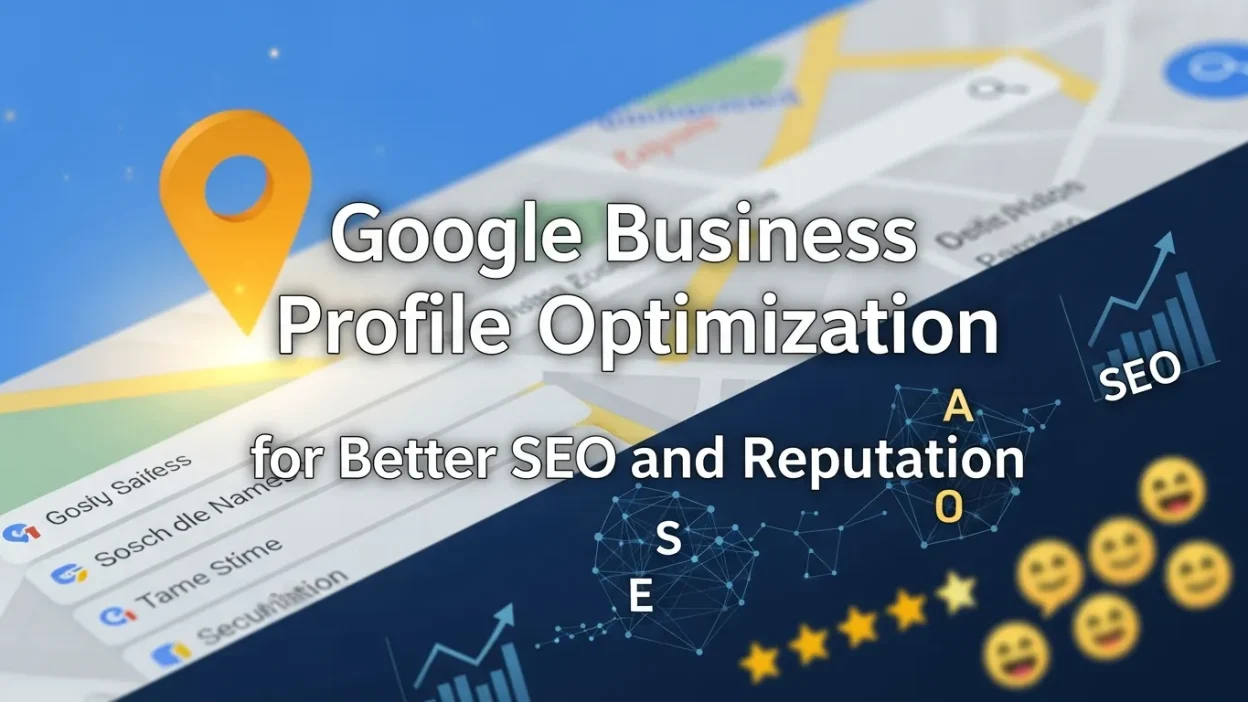
Google Business Profile optimization helps local businesses improve visibility, attract nearby customers, and build trust through strong local SEO and reputation management.
This guide explains what Google Business Profile optimization is, why it matters for local SEO and reputation, and how to optimize each profile element to drive traffic, calls, and customer trust. Google Business Profile optimization helps local businesses improve visibility in Google Search and Maps, attract nearby customers, and build trust through local SEO and reputation management. An optimized profile increases calls, visits, and engagement by presenting accurate information, reviews, and services at the right time.
What Is Google Business Profile Optimization
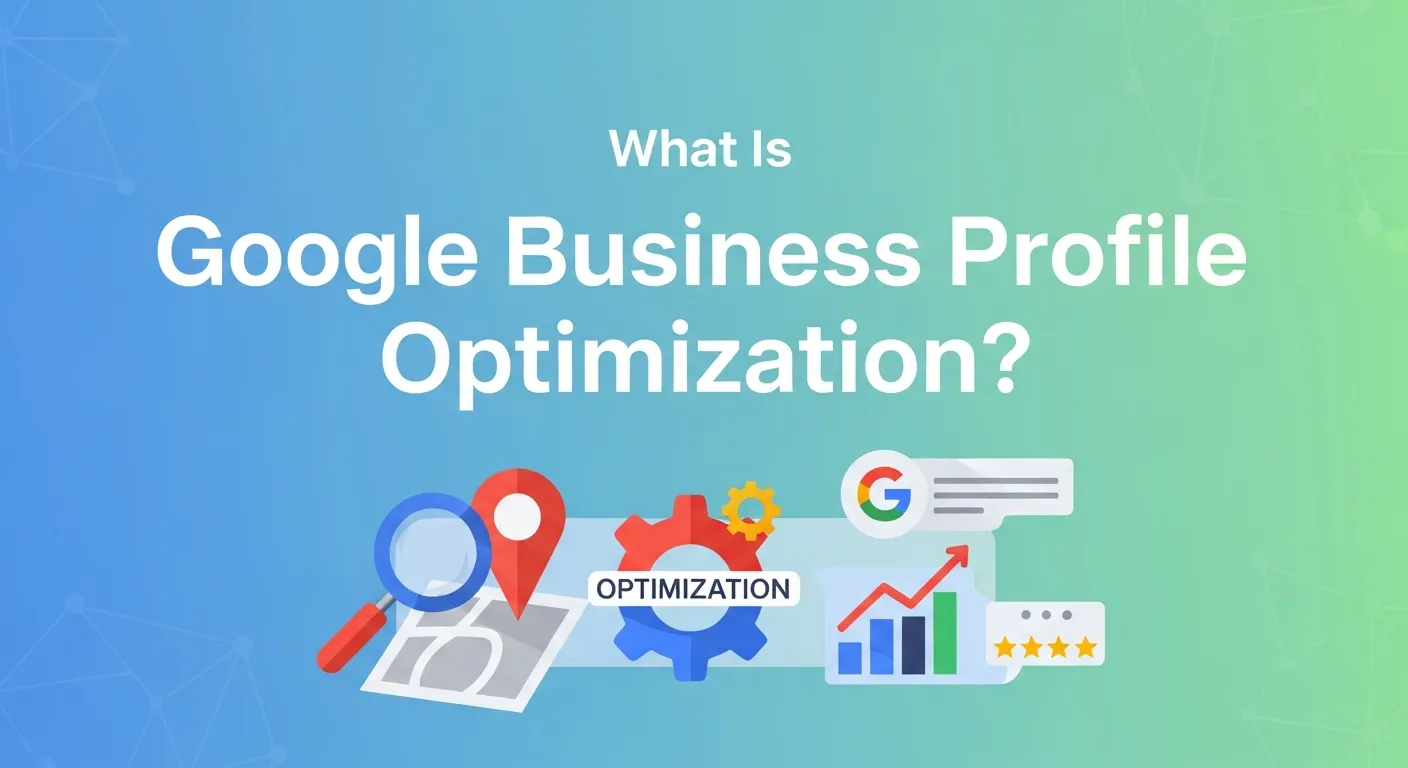
Google Business Profile optimization is the process of improving your free Google Business listing to increase visibility, engagement, and conversions in local search results.
It involves:
- Providing accurate and complete business information
- Using relevant local keywords naturally
- Adding photos, videos, posts, and services
- Actively managing reviews, Q&A, and messaging
A fully optimized profile helps Google understand your business, location, and relevance for searches on Google Search and Google Maps.
Why Google Business Profile Matters for SEO and Reputation
Your Google Business Profile plays a critical role in both local SEO performance and online reputation management. It often becomes:
- The first impression of your brand
Your business name, photos, reviews, and key details appear before users even visit your website. Proper Google Business Profile optimization ensures this first impression is accurate, professional, and trustworthy. - A major trust signal for new customers
Star ratings, review volume, and business owner responses directly influence customer confidence. A well-managed profile signals reliability and credibility, which is essential for strong Local business SEO reputation management. - A decision-making factor before visiting or calling
Customers frequently decide whether to call, get directions, or visit based on your Google Business Profile alone—especially on mobile and Google Maps searches. - A key ranking factor for local SEO
Google uses your profile information, categories, reviews, and activity to determine relevance and prominence. Strong Google Business Profile optimization improves Local Pack and Google Maps visibility. - A direct traffic and lead generation source
Optimized profiles drive phone calls, website clicks, direction requests, and walk-in visits without requiring paid ads. - A reputation management hub
Reviews, Q&A, photos, and business responses shape public perception. Actively managing these elements strengthens online reputation management and reduces the impact of negative feedback. - A competitive advantage in local search
Many businesses neglect their profiles. Keeping yours updated, complete, and active helps you stand out against competitors in the same area.
A neglected Google Business Profile can lead to outdated information, missed customer opportunities, and damaged trust. In contrast, a fully optimized and actively managed profile builds authority, credibility, and long-term local search visibility, turning searches into real customers.
How Google Business Profile Boosts Local SEO
Google Business Profile optimization directly influences how your business appears in local search results and Google Maps. Google evaluates local businesses using three core ranking factors, and an optimized profile strengthens each one.
1. Relevance
Relevance measures how closely your Google Business Profile matches a user’s search intent.
You can improve relevance through:
- Selecting the most accurate primary business category
- Adding relevant secondary categories
- Writing a keyword-optimized business description
- Listing detailed products and services
- Using keywords naturally in Google Posts and Q&A responses
A highly relevant profile helps Google clearly understand what your business offers, increasing visibility for targeted local searches.
2. Distance
Distance refers to how close your business is to the searcher’s physical location.
While distance cannot be changed, Google Business Profile optimization helps Google accurately evaluate it by:
- Ensuring your address and map pin are correct
- Keeping NAP (Name, Address, Phone Number) consistent across all platforms
- Updating service areas for service-based businesses
- Avoiding duplicate or incorrect listings
Accurate location data improves your chances of appearing in nearby searches on Google Maps.
3. Prominence
Prominence reflects how well-known and trusted your business is online.
Google measures prominence using signals such as:
- Quantity and quality of Google reviews and ratings
- Consistency of business information across the web
- Frequency of profile updates and Google Posts
- Customer engagement (calls, clicks, direction requests)
- Mentions and citations on local directories and websites
Active Google Business Profile management strengthens prominence and signals authority to Google.
How Google Business Profile Optimization Improves Local Pack Rankings
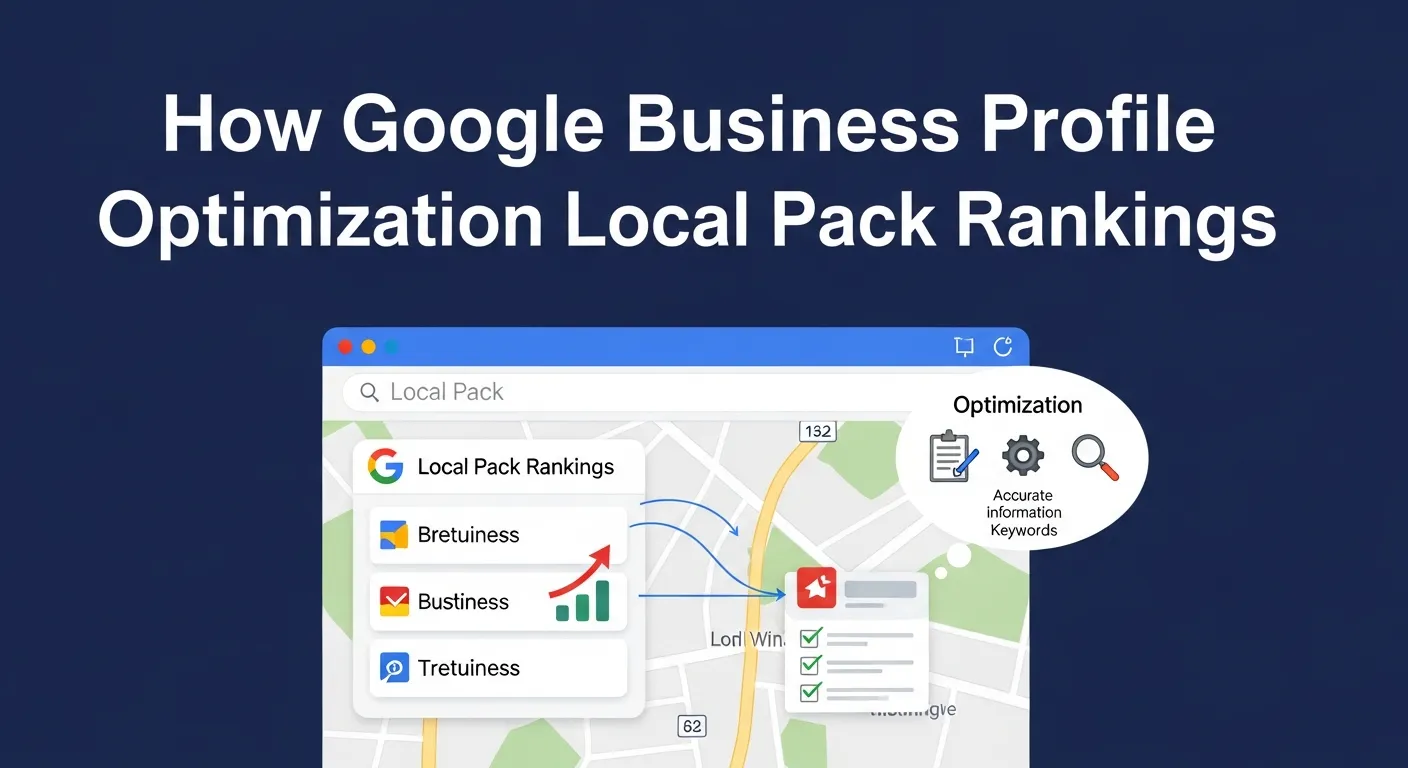
By optimizing your profile, you strengthen the two most controllable ranking factors—relevance and prominence—while supporting accurate distance signals.
Benefits include:
- Higher visibility in the Local Pack
- Improved Google Maps rankings
- Increased calls, visits, and website clicks
- Better trust and credibility with local customers
A fully optimized Google Business Profile helps turn local search visibility into real business growth.
Google Business Profile and Online Reputation Management
Your Google Business Profile (GBP) is one of the most powerful assets for online reputation management, especially for local businesses. It publicly reflects how your brand treats customers, handles feedback, and maintains transparency.
Key reputation elements within Google Business Profile include:
- Customer reviews and ratings
Reviews are one of the strongest trust signals in local search. A steady flow of positive reviews improves credibility, influences purchasing decisions, and strengthens Google Business Profile optimization for local SEO. - Photos and videos uploaded by customers and owners
Visual content shapes perception instantly. High-quality, up-to-date photos increase engagement, while customer-uploaded images provide social proof and authenticity. - Q&A responses
The Questions & Answers section often answers buying-intent queries. Proactively responding helps prevent misinformation and positions your business as helpful and reliable. - Business owner interactions
Public responses to reviews, posts, and questions show professionalism and customer care. Active engagement signals trust to both users and search engines.
How GBP Supports Reputation Management
- Builds trust through transparency
Responding professionally to both positive and negative reviews shows accountability and openness, which strengthens brand trust. - Reduces the impact of negative reviews
Thoughtful responses can calm frustrated customers, demonstrate problem-solving, and improve public perception—even when feedback is negative. - Improves customer confidence before contact
Many customers decide whether to call or visit based solely on how reviews and responses look on your Google Business Profile. - Encourages positive customer advocacy
Actively requesting reviews from satisfied customers helps balance negative feedback and improves overall rating visibility. - Signals credibility to Google
Regular engagement, review responses, and updated visuals reinforce authority and support stronger local search rankings.
Why Active GBP Reputation Management Matters
- Unanswered negative reviews can damage credibility and lower conversions
- Inactive profiles appear unreliable or outdated
- Poor engagement weakens both local SEO performance and customer trust
In contrast, consistent Google Business Profile optimization combined with proactive online reputation management helps protect your brand image, improve rankings, and convert local visibility into loyal customers.
If you want, I can:
Key Elements of a Google Business Profile to Optimize
Business Name, Address, and Phone Number (NAP)
- Must be accurate and consistent everywhere online
- Inconsistencies hurt rankings and user trust
Business Categories
- Choose one accurate primary category
- Add relevant secondary categories
- Helps Google match your business to more searches
Business Description
- Maximum 750 characters
- Clearly explain what you do and what makes you unique
- Use keywords naturally, not forcefully
Photos and Videos
High-quality visuals increase clicks and direction requests.
Upload:
- Logo and cover photo
- Exterior and interior images
- Team photos
- Product or service images
- Short videos or virtual tours
Reviews and Q&A
- Encourage satisfied customers to leave reviews
- Respond to every review professionally
- Monitor and answer Q&A to prevent misinformation
Google Posts
Google Posts help keep your profile active.
Use posts to share:
- Offers and promotions
- Events
- New products or services
- Company updates
Products and Services
- Add product catalogs if applicable
- List services with descriptions and pricing
- Helps users understand offerings instantly
Messaging
- Enable messaging for direct customer contact
- Faster response times improve conversions
- Google displays its response speed publicly
Advanced Google Business Profile Optimization Tips
- Complete every profile section
- Upload high-quality, geotagged images
- Actively request and manage reviews
- Publish Google Posts weekly
- Proactively manage Q&A
- Use GBP Insights to track performance
Common Google Business Profile Optimization Mistakes to Avoid
Even small mistakes can reduce the effectiveness of Google Business Profile optimization and hurt local SEO performance.
Avoid these common issues:
- Keyword stuffing in the business name
Adding extra keywords to your business name violates Google guidelines and can lead to suspension. - Choosing incorrect business categories
Selecting irrelevant or overly broad categories reduces relevance and ranking accuracy. - Ignoring negative reviews
Not responding to negative feedback damages trust and weakens online reputation management signals. - Using inconsistent NAP information
Differences in name, address, or phone number across platforms confuse search engines and users. - Low-quality or outdated photos
Poor visuals reduce engagement and click-through rates on Google Search and Google Maps. - Inactive profiles
Profiles without posts, updates, or recent activity often lose visibility to more active competitors.
Avoiding these mistakes helps protect your rankings and ensures long-term local search visibility.
Google Business Profile Optimization Checklist
Use this checklist to ensure your profile follows best practices for local SEO and reputation management:
- Business name matches real-world branding
- Accurate NAP information across all platforms
- Primary and secondary categories are properly selected
- Keyword-optimized business description (within 750 characters)
- High-quality photos and videos are uploaded regularly
- Reviews are actively requested and professionally managed
- Google Posts are published weekly
- Products and services are fully listed
- Messaging is enabled with fast response times
- Q&A section monitored and updated
A complete checklist-driven approach makes Google Business Profile optimization easier and more consistent.
How to Measure Google Business Profile Optimization Success
Tracking performance is essential for improving results over time.
Use Google Business Profile Insights to monitor:
- Profile views in Google Search and Google Maps
- Customer actions (calls, website clicks, direction requests)
- Photo views and engagement
- Search queries customers used to find your business
- Messaging response performance
Analyzing these metrics helps identify what’s working, where improvements are needed, and how your local SEO strategy is performing.
Who Should Focus on Google Business Profile Optimization?
Google Business Profile optimization is especially important for:
- Local service providers
- Brick-and-mortar stores
- Restaurants and cafes
- Clinics and healthcare practices
- Real estate and home service businesses
- Multi-location brands
Any business serving a specific geographic area can benefit from consistent GBP optimization and reputation management.
Google Business Profile Optimization Best Practices for Long-Term Growth
- Follow Google’s official business profile guidelines
- Prioritize customer experience and engagement
- Focus on review quality, not just quantity
- Keep information accurate during holidays and special hours
- Combine GBP optimization with website local SEO and citations
Long-term success comes from consistency, accuracy, and customer-first optimization.
Frequently Asked Questions (FAQs)
Is Google Business Profile free?
Yes. Google Business Profile is completely free for all businesses. Any local business can create and manage a profile without paying Google. This makes Google Business Profile optimization one of the most cost-effective strategies for improving local SEO, increasing Google Maps visibility, and strengthening online reputation management.
How often should I update my Google Business Profile?
You should monitor your Google Business Profile weekly. Check for new reviews, customer questions, messages, and profile suggestions. To maintain strong visibility, publish Google Posts at least once a week and update business hours, services, or photos whenever changes occur. Regular updates signal activity and help Google rank your profile higher in local search results.
Can Google Business Profile optimization help manage negative reviews?
Yes. Google Business Profile optimization plays a critical role in managing negative reviews. Responding professionally and promptly to negative feedback shows transparency and accountability. Thoughtful responses can reduce reputational damage, rebuild trust, and even encourage customers to revise their reviews, strengthening your overall local business reputation.
Why is NAP consistency important for Google Business Profile SEO?
NAP consistency (Name, Address, and Phone Number) helps Google accurately verify your business across the web. Inconsistent information can confuse search engines and users, harming local SEO rankings and customer trust. Maintaining consistent NAP details improves Google Business Profile optimization, enhances credibility, and increases visibility in the Local Pack.
Does Google Business Profile optimization improve Google Maps ranking?
Yes. Google Business Profile optimization directly impacts Google Maps rankings. Optimized profiles with accurate information, relevant categories, high-quality photos, frequent posts, and strong reviews are more likely to appear in top Google Maps results. This leads to more direction requests, calls, and walk-in traffic.
How long does it take to see results from Google Business Profile optimization?
Results vary, but many businesses see improvements in visibility and engagement within a few weeks. Consistent optimization, review management, and content updates can lead to long-term improvements in local search rankings, customer trust, and conversions.
Conclusion
Google Business Profile optimization is one of the most powerful and accessible tools for improving local SEO, increasing Google Maps visibility, and managing online reputation. A fully optimized profile helps your business stand out at the exact moment customers are searching for nearby services.
By keeping your Google Business Profile accurate, active, and customer-focused—through regular updates, review management, engaging visuals, and keyword-aligned content—you can attract more local customers, build lasting trust, and turn your profile into a long-term growth asset for your business.